How To Create a Logo In Arabic Calligraphy: Complete Guide
A good Arabic calligraphy logo can look like it took many years to draw. A bad one looks like a typo with ambitions. The difference is rarely artistic talent. It comes down to choosing a style that fits the brand, keeping the letter connections intact, and finishing the file properly in a tool like Canva or Adobe Illustrator. This guide walks through the whole process of creating a logo in Arabic calligraphy, from picking a script to exporting clean files. It also flags the right-to-left problems that cause problem for designers who haven’t worked with Arabic before.
Start With the Name, the Spelling, and the Mood
Calligraphy can’t rescue the wrong word. Before you open any design app, decide whether you’re translating your brand name, transliterating it (writing its sound in Arabic letters), or using an Arabic word that carries meaning. A name like “Noor” can be spelled several ways, and one missing letter changes how Arabic readers see it. Have a fluent speaker confirm the spelling before you invest hours in design.
Match the Script to the Brand
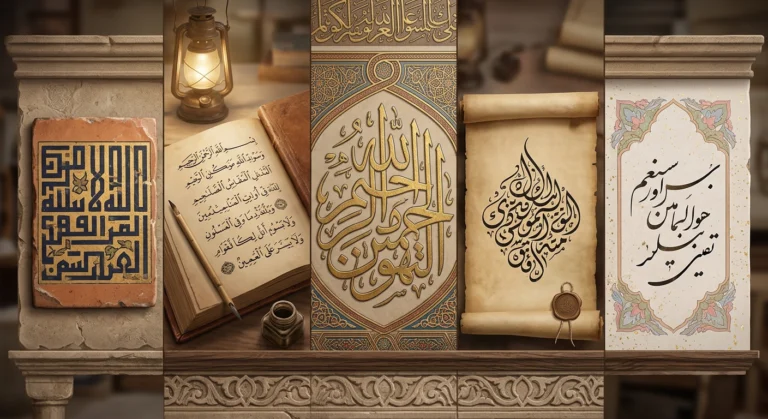
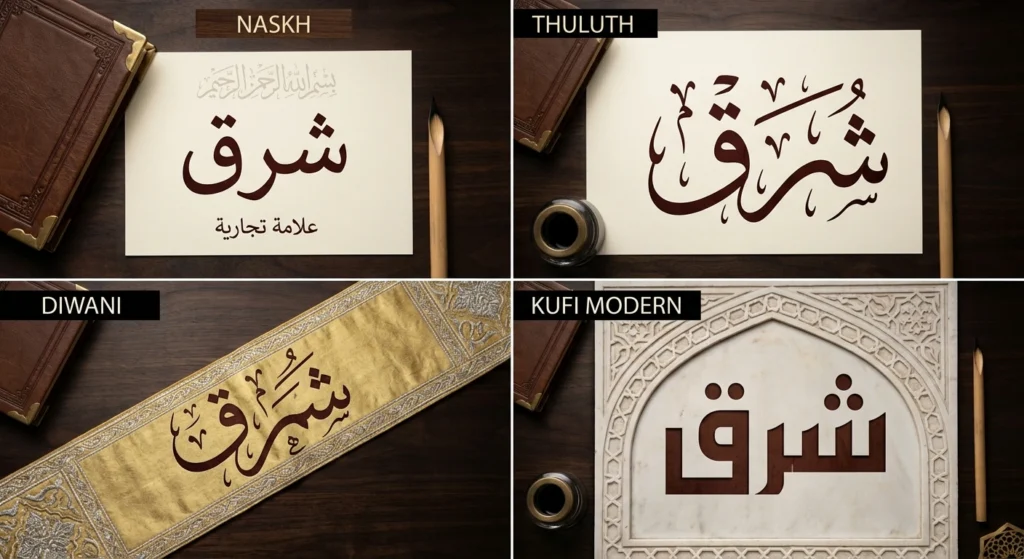
Each calligraphic style carries a different personality and nature. Arabic typography has centuries of tradition behind it, so the style you pick says something before anyone reads a word.
| Style | Feel | Suits | Watch out for |
|---|---|---|---|
| Kufic / Kufi Modern | Geometric, angular, steady | Tech, architecture, minimalist brands | Historical Kufic can be hard to read; modern versions fix this |
| Naskh | Clear, familiar | Education, healthcare, food, community brands | Can feel plain without a strong layout |
| Thuluth | Monumental, curved, layered | Institutions, heritage, premium brands | Dense; loses detail at small sizes |
| Diwani | Flowing, ornate, tightly packed | Events, fashion, boutiques | Legibility drops quickly when small |
| Nastaliq | Slanted, cascading | Persian and Urdu brands, poetry, publishing | Awkward in wide horizontal lockups |
| Maghribi | Rounded, wide curves | North African or Andalusian-inspired brands | Less familiar to many readers |
Naskh and Thuluth belong to the classical scripts of the Abbasid-era tradition. Diwani grew out of Ottoman court practice, Nastaliq comes from the Persian world, and Maghribi from North Africa and Islamic Spain. If your brand has a real connection to one of those regions, the matching style will feel authentic. If it doesn’t, choose for legibility and mood.
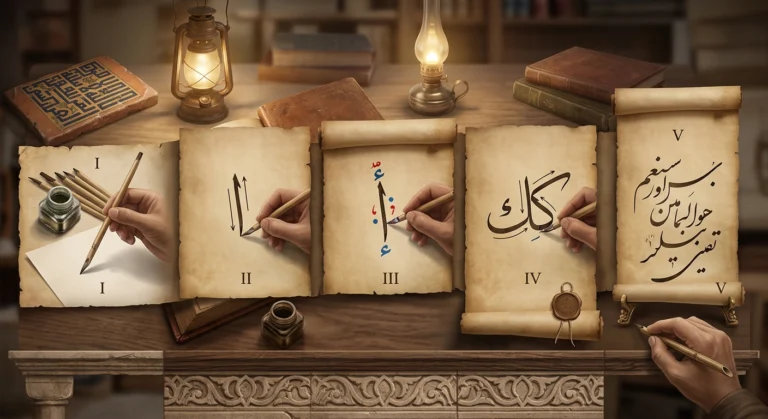
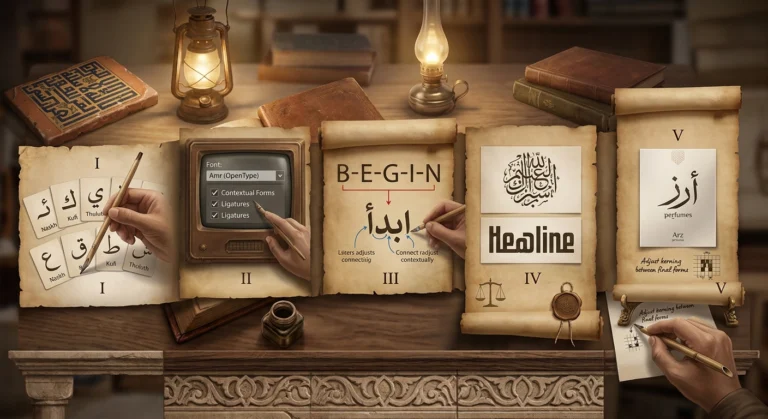
Short Steps on How to Create an Arabic Calligraphy Logo
- Confirm the Arabic spelling of your brand name.
- Choose a style that fits your brand and the sizes you’ll use.
- Generate or draw the base lettering.
- Refine it in Canva or Adobe Illustrator without breaking letter connections.
- Test it small, in one color, and reversed on dark backgrounds.
- Export the right files and check licensing before launch.
Step One: Build the Base Lettering
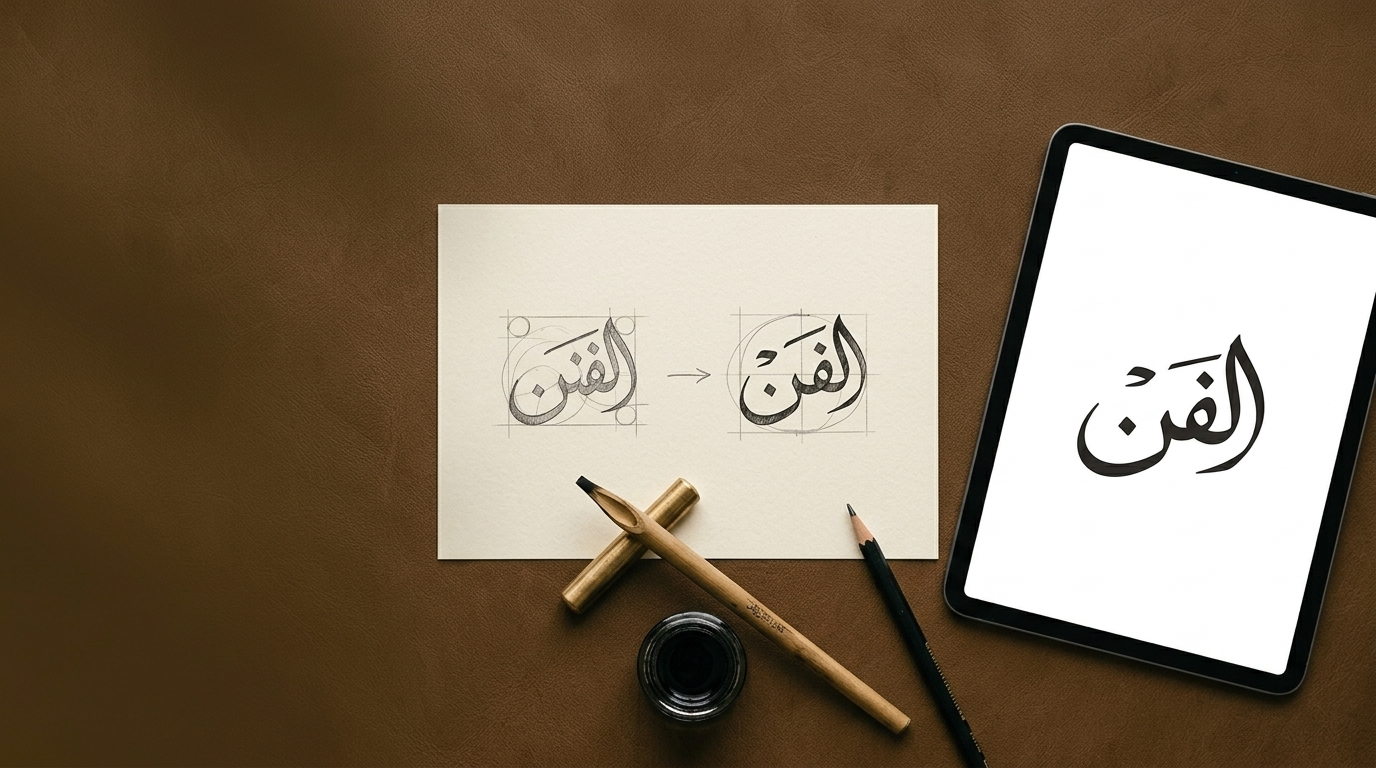
You have three options to prepare a design. You can hire a calligrapher, write it yourself, or use a digital tool to explore options first. For early exploration, a free tool such as Arabic Calligraphy Creator lets you type your name and compare Naskh, Thuluth, Diwani, Kufic, and other styles side by side. That’s useful because you can see in minutes which style suits the word’s letter shapes. Some words flow beautifully in Thuluth and look cramped in Kufic.
Treat the result as a concept. For a business identity you’ll want to refine it, and ideally have a professional calligrapher or Arabic typographer to check the finished work.
Creating the Logo in Canva
Canva is the fastest route for small businesses and creators who don’t own design software.
- Start with a square canvas (around 1,000 × 1,000 pixels works well for a logo).
- Add your lettering. Either upload the calligraphy image you made, or type Arabic directly using one of Canva’s Arabic supporting fonts. Typing is more flexible, but a font can’t match hand drawn calligraphy.
- Remove the background from an uploaded image so it can sit on any colour. Canva’s background remover is generally a paid feature.
- Resize using the corner handles only. Stretching Arabic lettering horizontally or vertically distorts stroke thickness and makes it look wrong to anyone who reads the script.
- Add color, an icon, or a simple shape, but give the lettering room. Calligraphy needs breathing space.
- Download as PNG with a transparent background. Higher-quality options such as SVG typically require a paid plan.
One limit you should known is that if your logo is an uploaded image, it’s a raster file. It looks fine online but will blur on large prints such as signage or banners. Also check Canva’s content license before building a logo around its stock elements or templates, since those generally can’t be trademarked. Lettering you created yourself is a different matter.
Creating the Logo in Adobe Illustrator
Adobe Illustrator is the better choice when you need a scalable, production ready logo.
Set up Arabic properly. Illustrator needs its right-to-left features enabled, or Arabic will appear reversed and disconnected. In recent versions, go to Preferences > Type and enable World-Ready Layout, then choose the Middle Eastern & South Asian composer from the Paragraph panel menu. Older versions use a “Show Indic Options” setting instead, and some editions depend on having the Middle Eastern version installed.
Then pick your path:
- Typed lettering: Choose an Arabic font and refine from there.
- Calligraphy artwork: Place your image, then use Image Trace to convert it to vector shapes. Expand the trace and clean up stray anchor points with the Direct Selection tool, keeping the natural thick and thin contrast of the pen.
Finish the file. Convert any live text to outlines (Type > Create Outlines) so the logo doesn’t depend on installed fonts. Then save a master .ai file and export SVG, PDF, and transparent PNG versions.
| Feature | Canva | Adobe Illustrator |
|---|---|---|
| Best for | Quick, simple logos | Scalable, professional files |
| Output | Mostly raster unless paid | Full vector |
| Arabic setup | Minimal | Requires enabling RTL options |
| Learning curve | Low | Moderate to high |
Fixing Common Arabic Text Problems
Most design software was built for left-to-right text, so a few issues show up again and again.
- Reversed or disconnected letters: This usually means the app isn’t applying right-to-left layout or contextual shaping. Switch to an app or setting that supports it, or place the lettering as an image or outlined shapes.
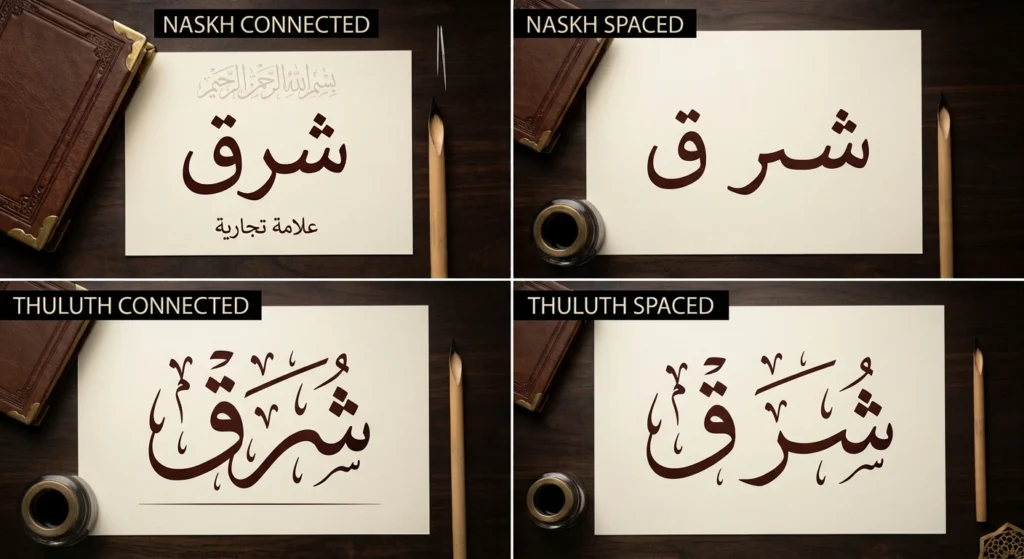
- Spaced-out letters: Never add spacing between letters to create an airy look. Arabic letters connect within a word, and breaking them reads as an error. To stretch a word, designers use kashida (also called tatweel), an elongation of connecting strokes, rather than gaps.
- Flipped punctuation or numbers: Mixed Arabic and English lines can misplace periods and digits. Check every line after pasting.
- Diacritics: The small vowel marks (harakat) are usually omitted in logos. If you include them, they must be correct, because they can change the meaning.
Designing a Bilingual Logo
If your brand needs both Arabic and English, a stacked lockup (one language above the other) is the most flexible. Match visual weight, so a bold geometric Latin font sits well beside Kufic, while a lighter serif suits Naskh or Diwani. If one script looks heavier, the two will feel like separate logos. Orientation conventions vary by market, so test a few layouts and have Arabic readers to verify it.
Test It Before You Finalize
Shrink the logo to the size of a favicon or social profile photo. Convert it to one solid color. Place it on a dark background. If the letters merge or the dots disappear, simplify, or choose a bolder style. Thuluth and Diwani often need a simplified small-size version, while Kufi Modern and Naskh tend to survive reduction better.
Legal and Cultural Checks
A few things are worth doing before launch:
- Avoid sacred text. Many people consider verses or divine names inappropriate in commercial logos. If your concept involves religious wording, ask people from the community first.
- Check font and asset licenses. Commercial use isn’t always included.
- Consider trademark registration. For names or phrases in languages other than English, trademark offices may require a translation or explanation of the meaning. If the translated meaning is too similar to, or conflicts with, an existing English trademark, it could create complications.
Where to Go From Here
Creating a logo in Arabic calligraphy comes down to a handful of decisions; the right spelling, a style that suits your brand, connections left intact, and a file that scales. Explore concepts quickly with Arabic Calligraphy Creator, refine them in Canva for simple needs or Illustrator for professional output, and get a fluent reader or calligrapher to check the final mark.