Top AI Arabic Calligraphy Creator in 2026
If you type “Arabic calligraphy generator” into a search bar, you’ll get a pile of tools that all promise gold-leaf lettering in seconds. Some do something useful. Others produce letters that only look like Arabic from a distance. Which one is right depends on whether you want to style a word, generate art, or learn the craft.
This guide sorts the main kinds of AI-assisted Arabic calligraphy creators available in 2026, explains what each is good for, and shows how to check the results before you publish or print them.
What Is an AI Arabic Calligraphy Creator?
An Arabic calligraphy creator is an online tool that turns text or a written description into stylized Arabic lettering. “AI” is used loosely in this space. Some tools apply calligraphic styles to text you type. Others use generative AI to produce a new image from a prompt. A third group uses AI to review your own handwriting practice. These work very differently, so it helps to know which one you’re looking at.
Three Kinds of Tools
Text-to-style tools
You type Arabic text, pick a style, and see your exact words rendered in it. Nothing is invented, so the spelling you enter is the spelling you get.
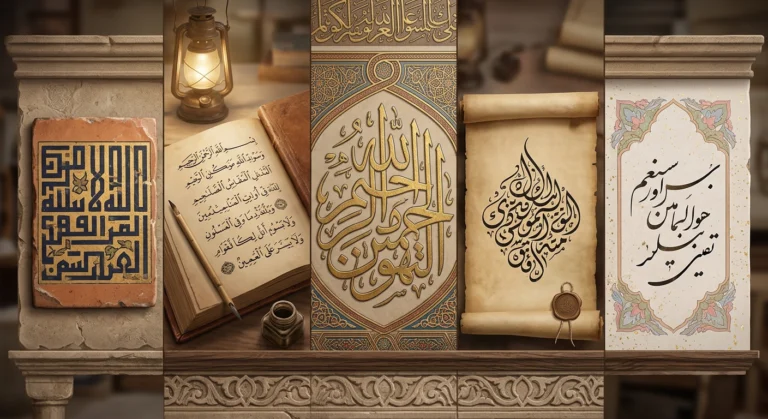
Arabic Calligraphy Creator is a free web-based tool in this category. It displays your text in Nastaliq, Naskh, Thuluth, Diwani, Kufic, Maghribi, Kufi Modern, and other styles. It suits people who already know what they want to say and need to see how it looks in different scripts, such as designers, teachers, and anyone making a card, logo draft, or social post.
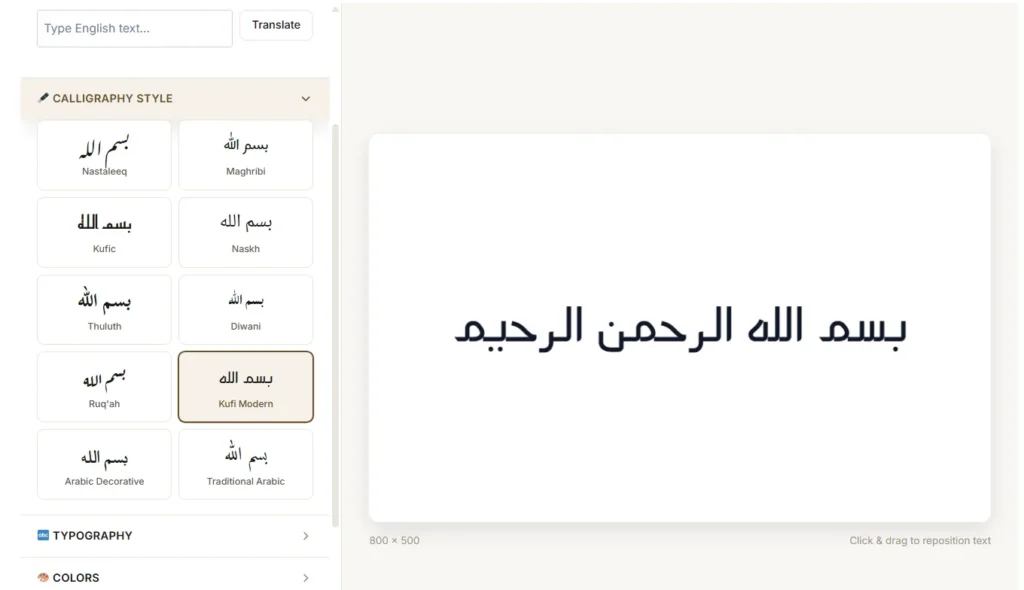
The tradeoff is that you get styled text, not a one of a kind illustrated composition.
Prompt-based image generators
These work like other AI art tools. You describe what you want, and the system creates an image. Pixelcut’s AI Art generator, for example, interprets a written description and produces a piece of calligraphy, with a high resolution file available to download. ZSky AI offers a similar service, presenting itself as a free platform for generating calligraphy inspired art from descriptive prompts. You can also check platforms like Pixa.
These tools are fast and good for mood, Like gold ink on a navy background, an architectural look, or a modern abstract feel. That’s the kind of output people want for wall art, social graphics, or Eid greetings.
Their weakness is accuracy. Image models draw shapes rather than spell. Arabic doesn’t tolerates this because dots separate one letter from another, and joins between letters following rules. A generated image can look elegant and still contain a wrong letter or a broken word. We should treat these as “calligraphy inspired” art unless a fluent reader confirms the text.
AI learning and feedback apps
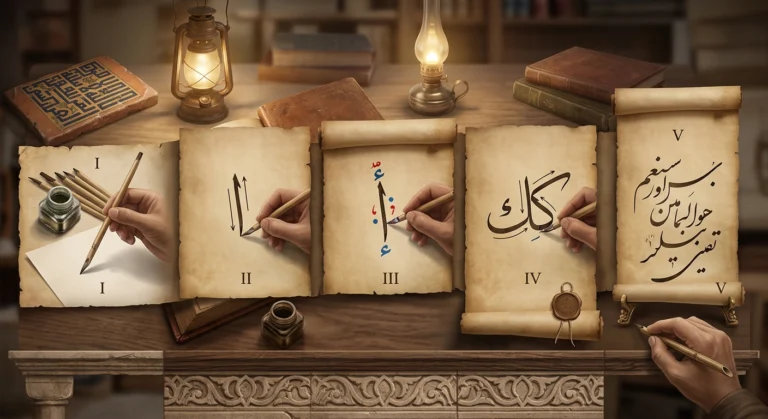
A newer group focuses on teaching. Qalaris, an iPad app, is one example. Its store listing describes a reed pen (qalam) simulation for Apple Pencil, step-by-step stroke guides for 10 Arabic letters, and AI feedback on submitted practice work. It also notes that the AI analysis requires credits or a subscription.
These tools won’t make a finished design for you. They help you improve your own hand, which is a different goal entirely.
Quick Comparison of AI Calligraphy Creators
| Type | Best for | Main risk |
|---|---|---|
| Text-to-style (e.g., Arabic Calligraphy Creator) | Seeing your exact text in different styles | Less artistic freedom |
| Prompt-based generators (e.g., Pixelcut, ZSky AI) | Decorative art and backgrounds | Spelling and letter errors |
| Learning apps (e.g., Qalaris) | Practicing letterforms | Limited letter coverage, may need a subscription |
Features and pricing change often, so confirm current details on each tool’s own site.
How to Choose the Right Arabic Calligraphy Creator
Start with your goal, then work through these checks.
- Do you need exact wording? For names, verses, or anything permanent, choose a tool that renders your typed text rather than inventing letters.
- Which styles does it offer? A good tool should name its scripts. Naskh, Thuluth, Diwani, Nastaliq, Kufic, and Maghribi differ in mood, legibility, and regional tradition.
- Can you export what you need? Check for transparent backgrounds, high resolution, and print-ready files.
- What are the usage terms? Commercial use, attribution, and ownership of AI-generated images differ from tool to tool.
- Does it support your language? Persian and Urdu need extra letters, and Nastaliq is the traditional choice for both.
- Can someone verify the result? This is the most important check. See the next section.
Checking Accuracy Before You Use It
Whatever tool you use, run a quick review before you finalize a design.
- Compare against your typed source. Paste your original Arabic next to the finished image and read it letter by letter.
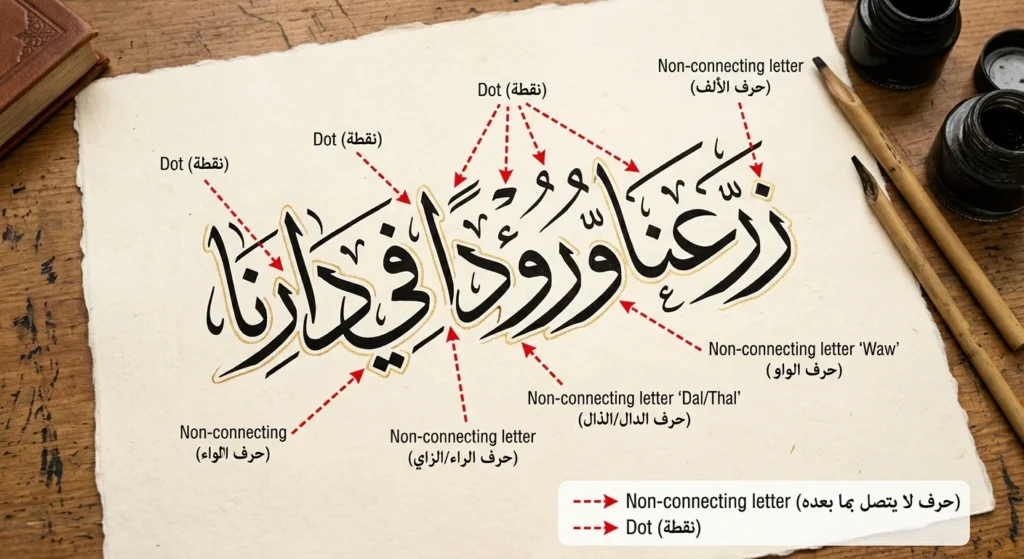
- Look at the dots. Count them above and below each letter. A missing or extra dot can change the word.
- Check the joins. Six letters (ا د ذ ر ز و) don’t connect to the letter after them. If a generated image links them, something is wrong.
- Watch for fake script. Some AI images produce lookalike results with no real words in them.
- Ask a fluent reader. This matters most for religious text, tattoos, signage, and anything to be sold.
If you’re new to how the script works, our guide to writing in Arabic explains letter forms and joining rules in simple terms.
Why AI Calligraphy Raises Questions
Researchers have been exploring this area for years. A 2021 master’s thesis at OCAD University looked at using generative adversarial networks to expand the creative range of artists and designers working with Islamic calligraphy, using a GAN trained on a custom Nastaliq dataset. Later work presented in the SIGGRAPH community described two custom datasets built to train generative networks to produce calligraphic Arabic.
Institutions are also taking notice. Hamad Bin Khalifa University in Qatar held a seminar on AI and Arabic calligraphy, where discussion included whether people who use AI to generate Arabic calligraphy can be considered calligraphers. Amman Arab University has presented a project aimed at building smart tools to improve Arabic calligraphy for educational, technical, and artistic uses. Read more about it on Gulf News.
The question isn’t settled. A traditional calligrapher spends years learning proportion, pen angle, and rhythm under a teacher, and earns recognition through an ijaza. A tool that renders a word in a style isn’t the same as that training. It can still be a useful way to explore, prototype, and appreciate the styles. Our overview of Arabic calligraphy styles explains what each script was originally designed to do.
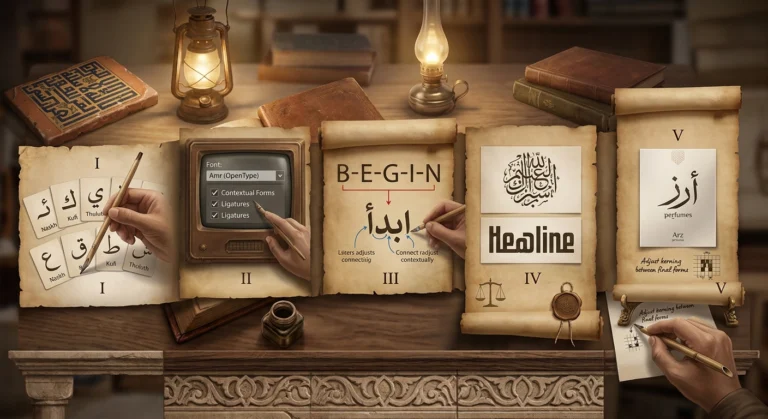
A Practical Workflow
Here’s a simple way to combine these tools without losing accuracy:
- Write or paste your final Arabic text and have it checked for spelling.
- Use a text-to-style tool to compare how it looks in several scripts and pick a direction.
- If you want a richer visual composition, use a prompt based generator for the background, color, and ornament, then place your verified text over it in a design program.
- Export at high resolution and test at small sizes.
- Have a fluent reader approve the final file.
Splitting the work this way keeps the spelling reliable while still giving you creative range. If you’re working with fonts rather than images, see our guide to using Arabic fonts in design projects.
Which Style Suits Which Project?
- Naskh: clean and readable, good for informational design.
- Thuluth: grand and formal, suited to titles and ceremonial pieces.
- Diwani: dense and decorative, popular for invitations, though harder to read.
- Nastaliq: hanging and flowing, favored for Persian and Urdu poetry.
- Kufic and Kufi Modern: geometric and bold, good for branding.
- Maghribi: rounded and open, with a North African and Andalusian character.
Key Takeaways
The “best” AI Arabic calligraphy creator depends on the job. Text-to-style tools like Arabic Calligraphy Creator work best when you need your exact words shown across traditional scripts. Prompt-based generators suit decorative art but need careful checking for letter errors. Learning apps help you build real skill with a pen. Match the tool to the desired output, verify the Arabic, and don’t treat any generated image as final until someone who reads the language has approved it.