Arabic Calligraphy for Muslim Wedding Invitations – Step by Step Guide
If you open any Muslim wedding invitation, the first thing you see is the Bismillah, written in flowing Arabic script across the top. For many couples, that single line sets the tone for the whole card. It says this is a marriage begun with God’s name, and it gives the invitation a sense of occasion that plain type rarely matches.
Getting it right takes more than picking a pretty font. You need to know what the card should say, which calligraphy style suits which text, how to keep the Arabic accurate, and how to hand the artwork to a printer. This guide helps us to take each decision in order.
What Goes on a Muslim Wedding Invitation
Start with the event, because the wording follows from it. The Nikah is the marriage ceremony itself. The Walima is the celebratory meal that is followed by it. Many families send two separate cards; a formal Nikah invitation for close family and witnesses, and a Walima invitation for a wider guest list. Others combine both events on one card, which works well when the guest list is the same.
Whichever route you take, most invitations include:
- An opening invocation, usually the Bismillah or a Quranic verse
- The hosts, often the bride’s and groom’s parents
- The couple’s names
- The event name (Nikah, Walima, or both), plus date, time, and venue
- RSVP details
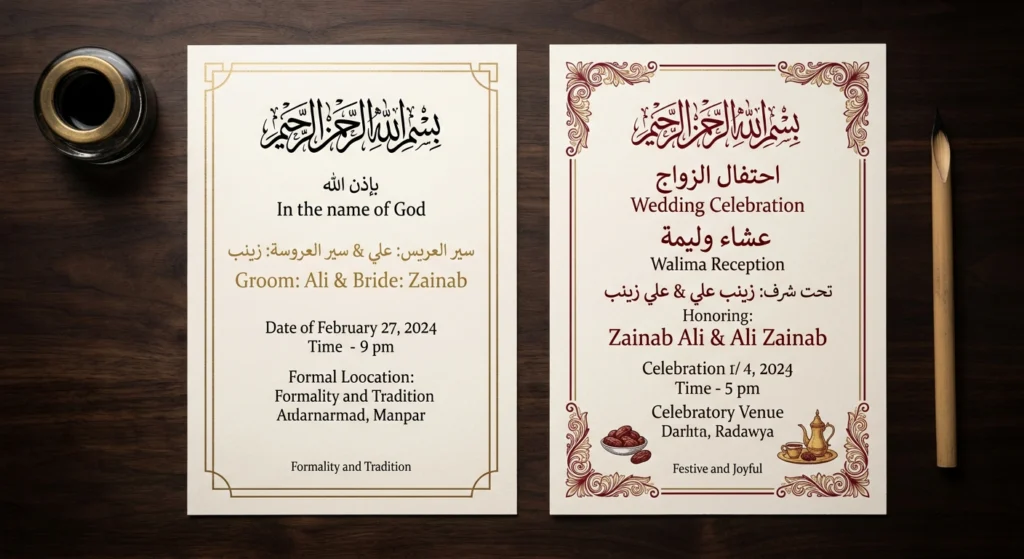
Plan for bilingual text. Many American couples set the Arabic in calligraphy at the top and write the details in English below, so every guest can read the practical information. That split also makes the design job easier, because you only need calligraphy for the lines that generally require it.
Choosing Calligraphy Styles for Different Parts of the Card
Think of styles as having jobs. A useful approach is to assign one style to the ceremonial line and if you want, a second one to the names.
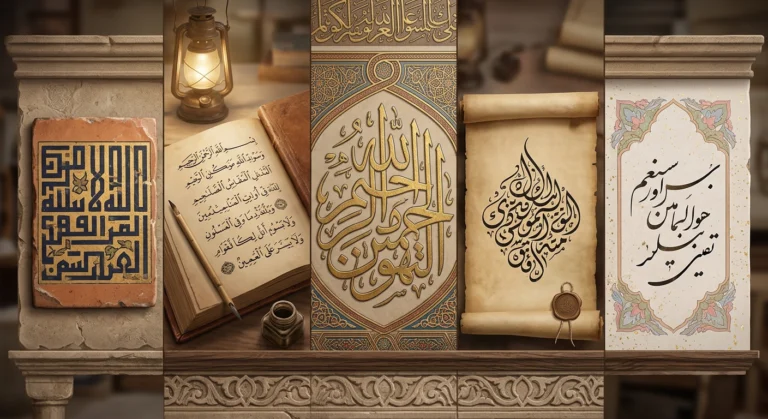
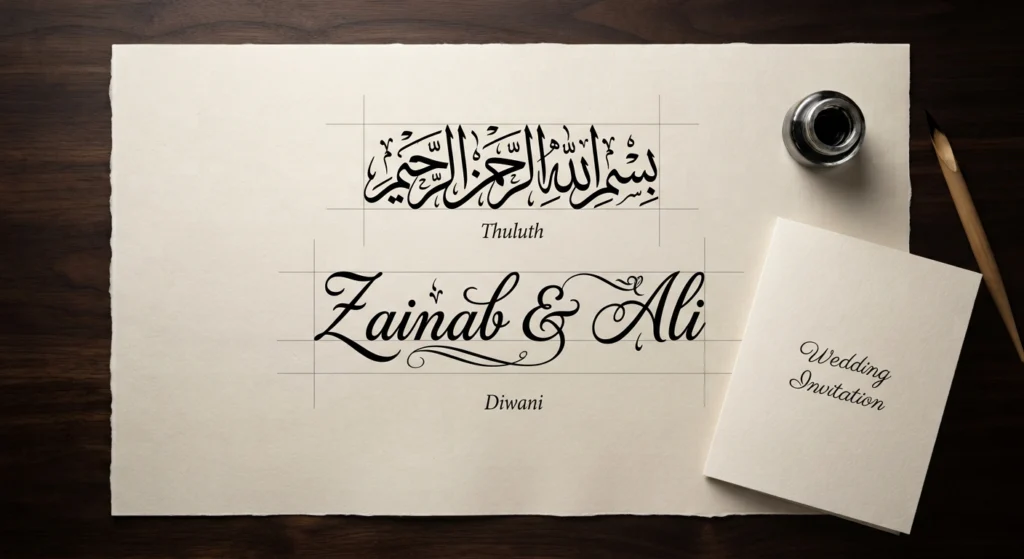
Thuluth
It is the classic choice for the Bismillah or a verse. It has tall, graceful strokes and layered compositions, and it’s strongly associated with mosque inscriptions, so it gives an opening line weight.
Diwani
It has rounded, tightly packed letters that developed in Ottoman court writing. It looks romantic and celebratory, which makes it popular for names. The main problem is its legibility. Diwani is dense, and even Arabic readers can struggle with it, so keep names short or put a clearer line beneath them.
Naskh
It is the most readable. It’s the script behind most printed Arabic text, so it’s the safest option for longer lines, bilingual layouts, and any text that guests need to actually read.
Nastaliq
This is the natural fit if the families speak Urdu or Persian. It is linked with literary traditions, and it can carry real cultural meaning for South Asian and Iranian couples.
Kufic and Kufi Modern
They are angular and geometric. They suit minimalist or contemporary invitations, particularly for a short phrase or monogram.
Many guides tell you to use a single style throughout. A cleaner rule is no more than two, each with a clear role, such as Thuluth for the blessing and Naskh for supporting Arabic text. Three or more usually looks cluttered.
If you want to compare these side by side, you can type your text into Arabic Calligraphy Creator and see how the same words look in each script before you commit.
Common Arabic Phrases for the Invitation
You don’t need many phrases to prepare an invite. These are widely used:
- Bismillah ir-Rahman ir-Rahim (بِسْمِ اللَّهِ الرَّحْمَٰنِ الرَّحِيمِ): “In the name of God, the Most Gracious, the Most Merciful.” The standard opening.
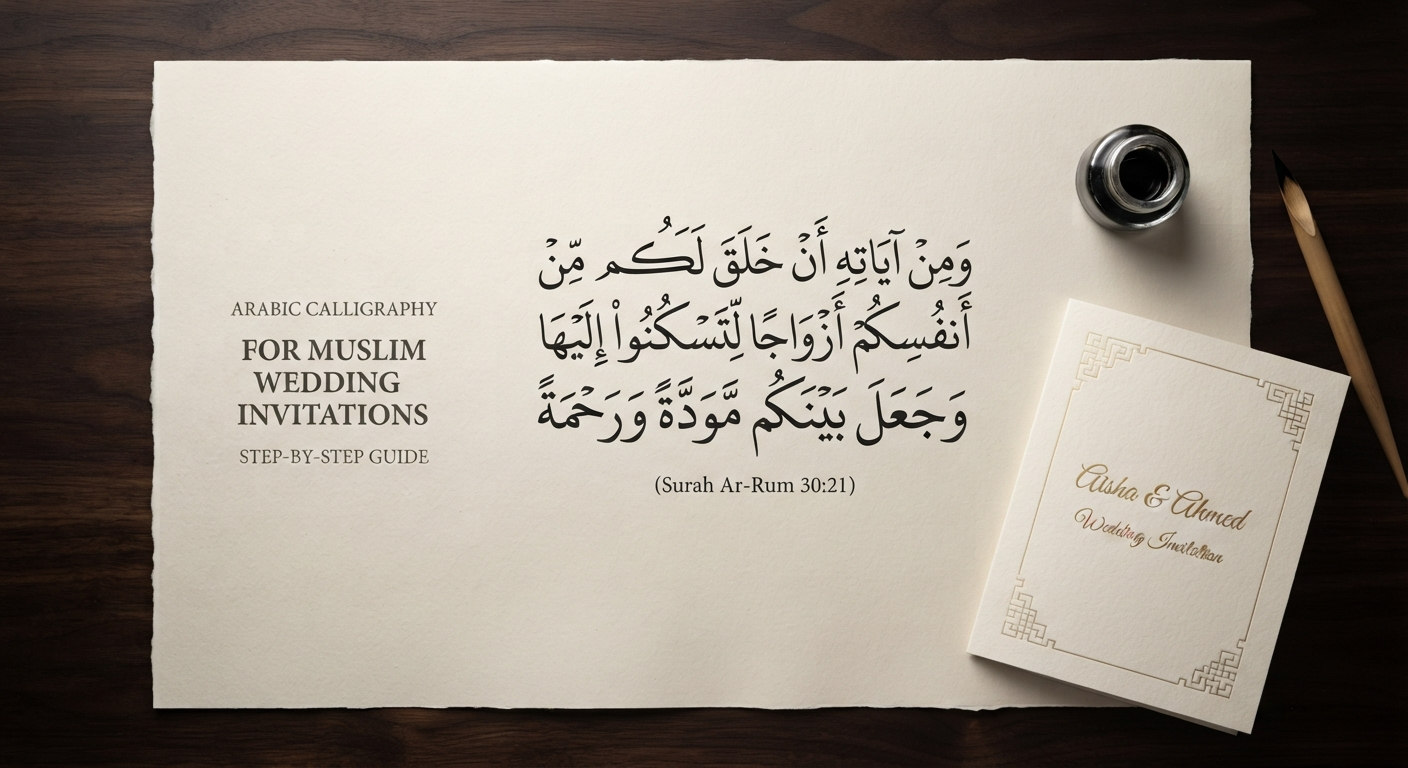
- Surah Ar-Rum, verse 21: the verse about God creating spouses so that people may find tranquility in one another is one of the most common choices for weddings.
- Barakallahu lakuma (بارك الله لكما): “May God bless you both,” a common blessing.
- In sha Allah: “God willing,” often placed near the date.
One caution: don’t type Quranic text from memory. Copy it from a trusted printed or digital Quran, including the correct diacritics, and have someone who reads Arabic fluently, or your imam, confirm the final text.
Step by Step: How to Create Your Invitation
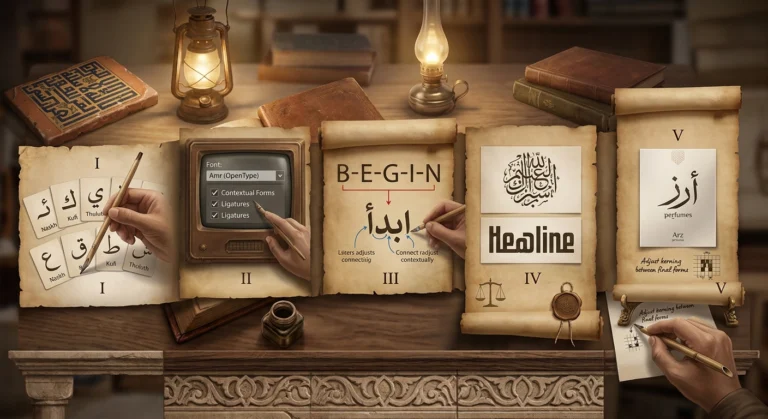
- Write the full invitation in English first. Settle names, hosts, date, and venue before touching any Arabic.
- Decide which lines will be in Arabic. Usually this is the Bismillah, a verse or blessing, and sometimes the couple’s names.
- Get the Arabic text verified. For verses, copy from a reliable source. For names, confirm the spelling with the people who own them (more on this below).
- Assign a style to each Arabic element. Use the guide above. Aim for one or two styles at most.
- Generate the calligraphy. Paste your verified text into Arabic Calligraphy Creator, try two or three styles, and choose the one that reads best at the size you’ll print.
- Save the highest-quality version available and bring it into your design program or template. If you’re using a transparent background format, you can place it over any color or texture.
- Build the layout. Center the Arabic as the focal point, leave generous space around it, and set the English details below in a simple, readable typeface.
- Proof before you order. Print a test copy at actual size and ask a fluent Arabic reader to check every letter and dot.
Layout and Printing Tips
Treat the Arabic as artwork. When you use an English-language printer, the Arabic is typically supplied as an image inside the design file instead of as typed text. That protects your calligraphy from being substituted or broken by the printer’s software, and it keeps the letters connected correctly. You can check out more on paperlust.
Mind contrast. Thin calligraphic strokes disappear on busy backgrounds. Gold or foil on deep navy, burgundy, or forest green looks striking, and dark ink on ivory is always safe. Test the colors in a printed proof, since screens can mislead you.
Don’t stretch or squash. Resizing calligraphy unevenly distorts proportions, which classical calligraphers spend years learning to control. Scale it evenly.
Consider the digital version. If you’re also sending an e-invite or a WhatsApp card, check that the artwork stays crisp on a phone screen.
Mistakes to Avoid in Muslim Wedding Invites
Using a “calligraphy-looking” font without proper shaping. Arabic letters change form depending on where they fall in a word. A decorative font that ignores this will show disconnected or wrongly shaped letters, and Arabic readers will notice immediately. Real calligraphic rendering handles joining correctly.
Misspelling names. English transliterations vary widely. Muhammad, Mohammed, and Mohamed are all the same Arabic name. Ask each person how their name is written in Arabic, especially for names that don’t transliterate cleanly.
Skipping proofreading. One wrong dot can change a word. This matters most for verses and blessings.
Ignoring how guests will handle the card. Including the Bismillah or a verse is perfectly acceptable, but couples inviting non-Muslim guests should remember that some may not know the customs around respectfully disposing of paper bearing God’s name or Quranic verses. Some couples put the sacred text on a removable insert or on the digital invitation only, and others add a short, gentle note. It’s your call, and it’s worth deciding on purpose. You can check it on Zola.
When to Hire a Professional Calligrapher
A digital calligraphy tool is an excellent choice for wedding invitations and printed cards. However, if you need hand-lettered envelope addresses, a large framed artwork for the venue, or a truly unique composition featuring the couple’s names and a meaningful verse, hiring a professional calligrapher may be the better option. A skilled calligrapher adds a personal touch, artistic judgment, and creative detail that a digital generator cannot fully replicate.
Final Thoughts
A Muslim wedding invitation with Arabic calligraphy works best when the design serves the meaning. Start with the wording, match each style to its job, verify every Arabic letter, and let the calligraphy breathe on the page. If you do that, the card will feel personal and correct.
When you’re ready to see your own text in different scripts, try it in Arabic Calligraphy Creator and compare Thuluth, Diwani, Naskh, and the rest before you choose.